
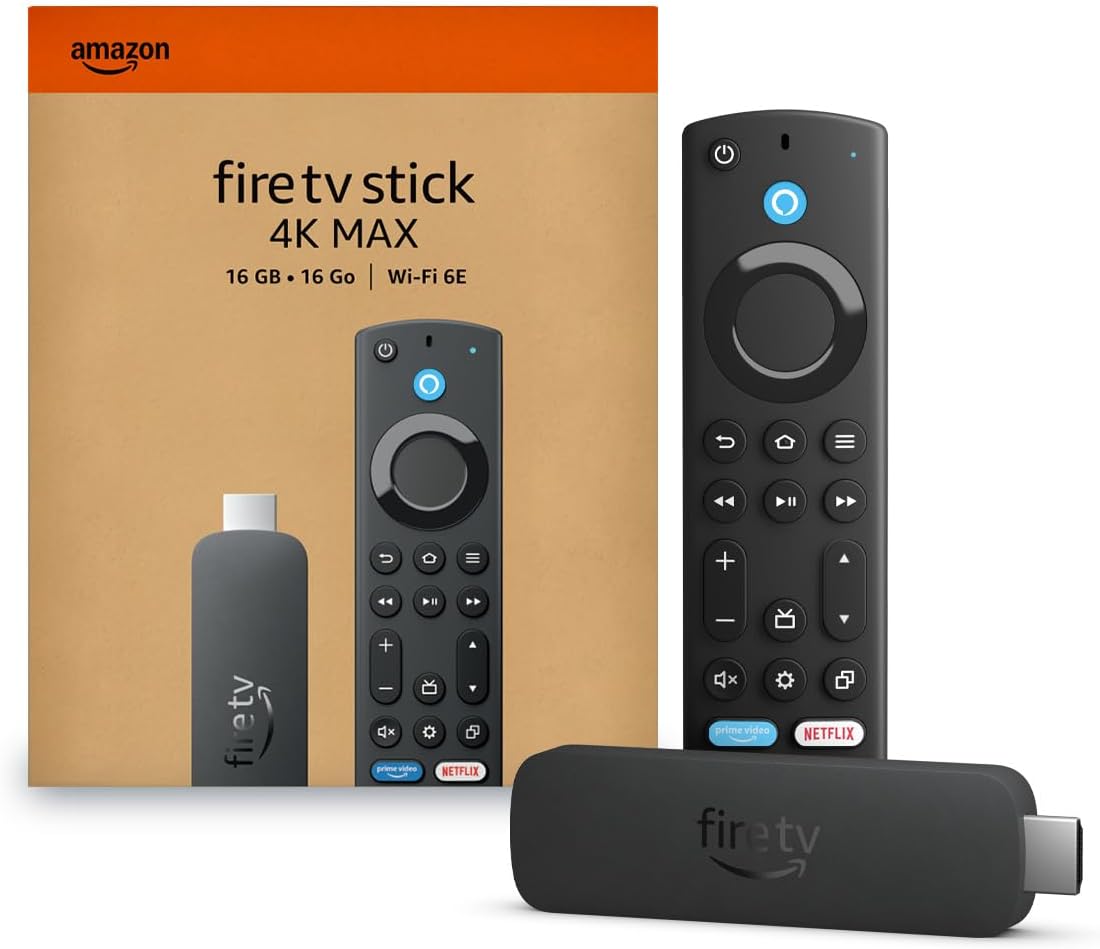
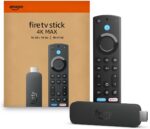
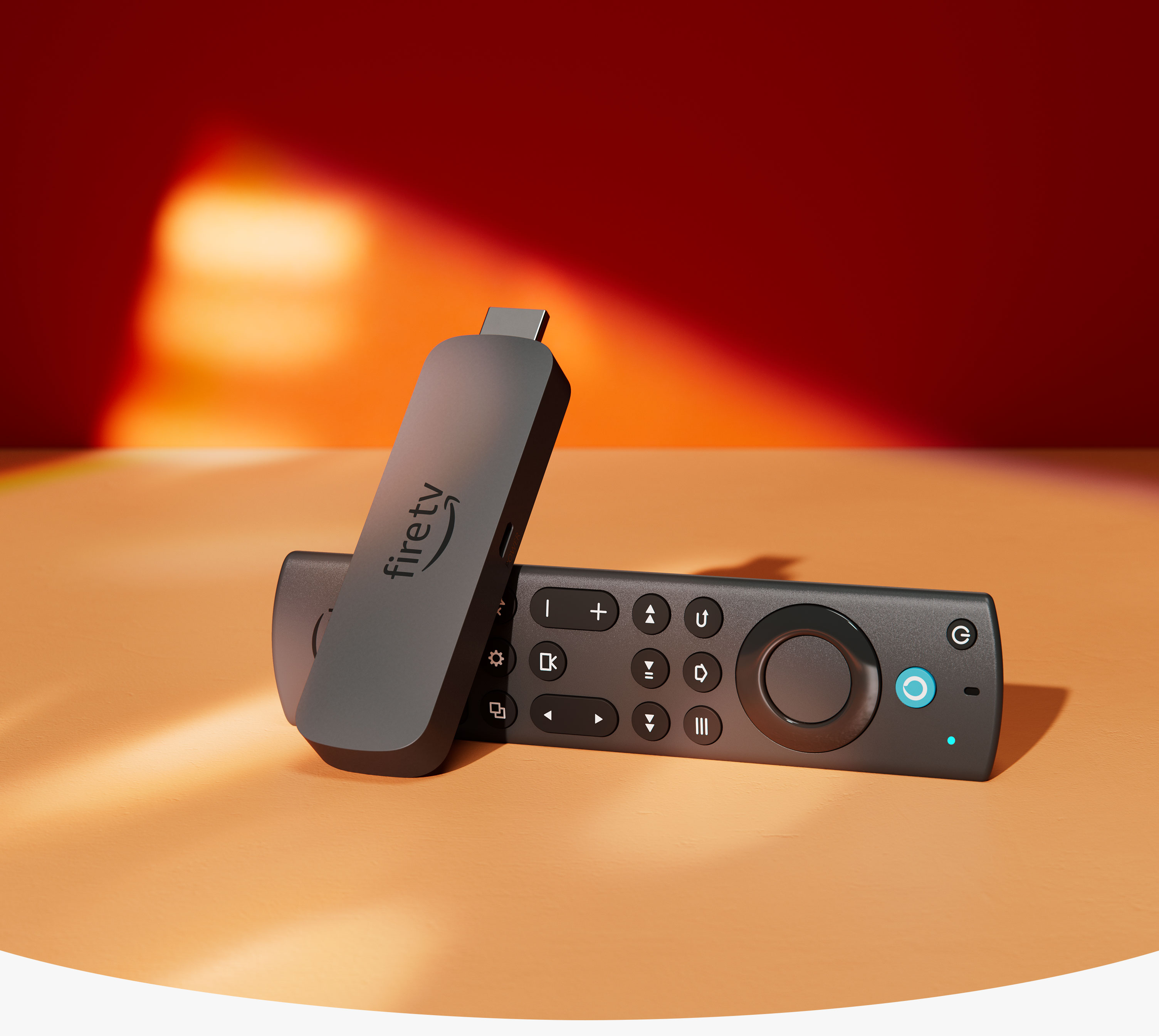
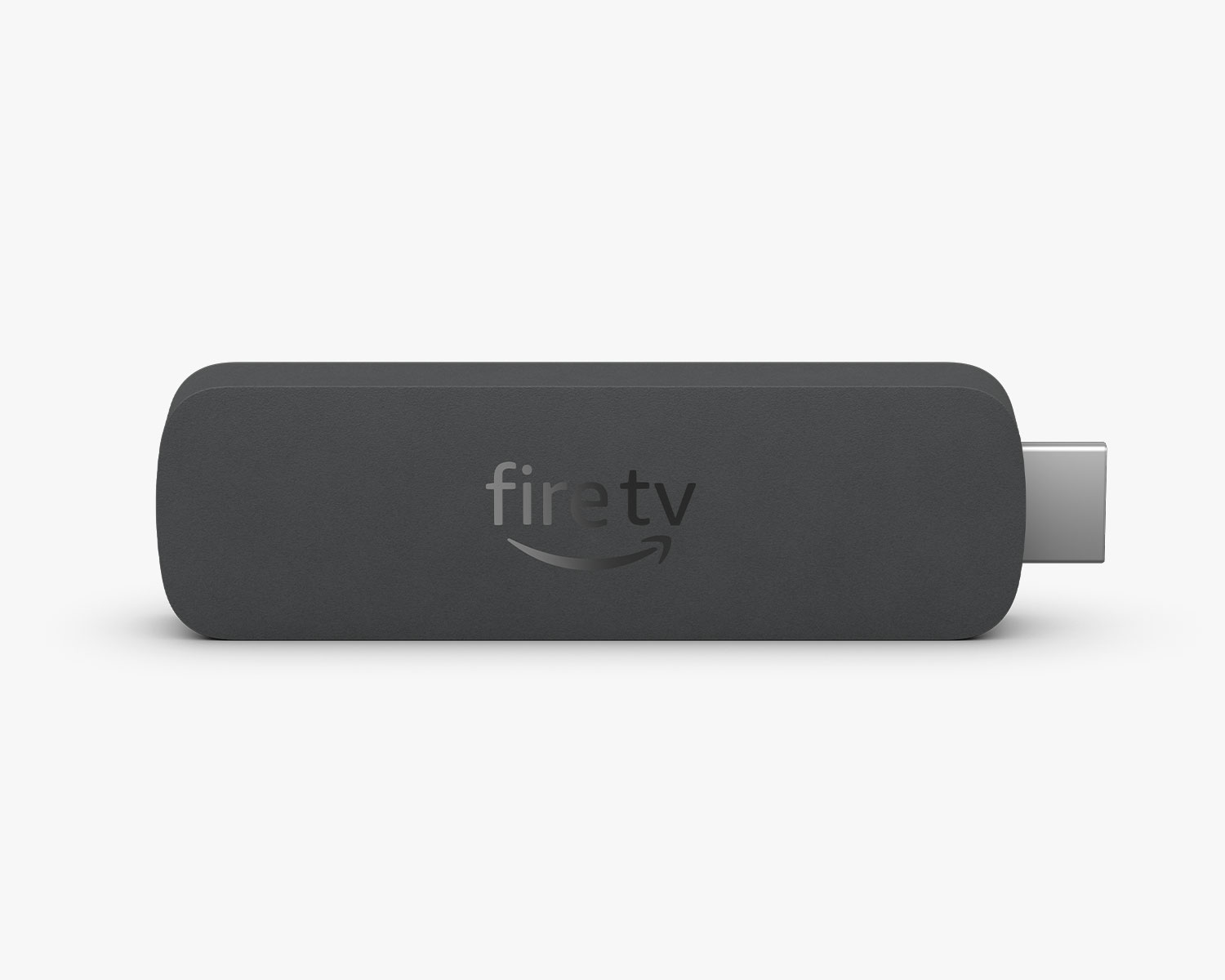
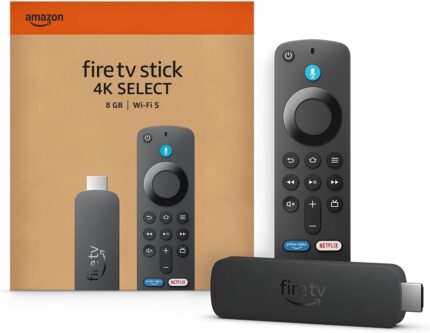
Amazon Fire TV Stick 4k Max 2nd Gen streaming device
KSh 7,000.00

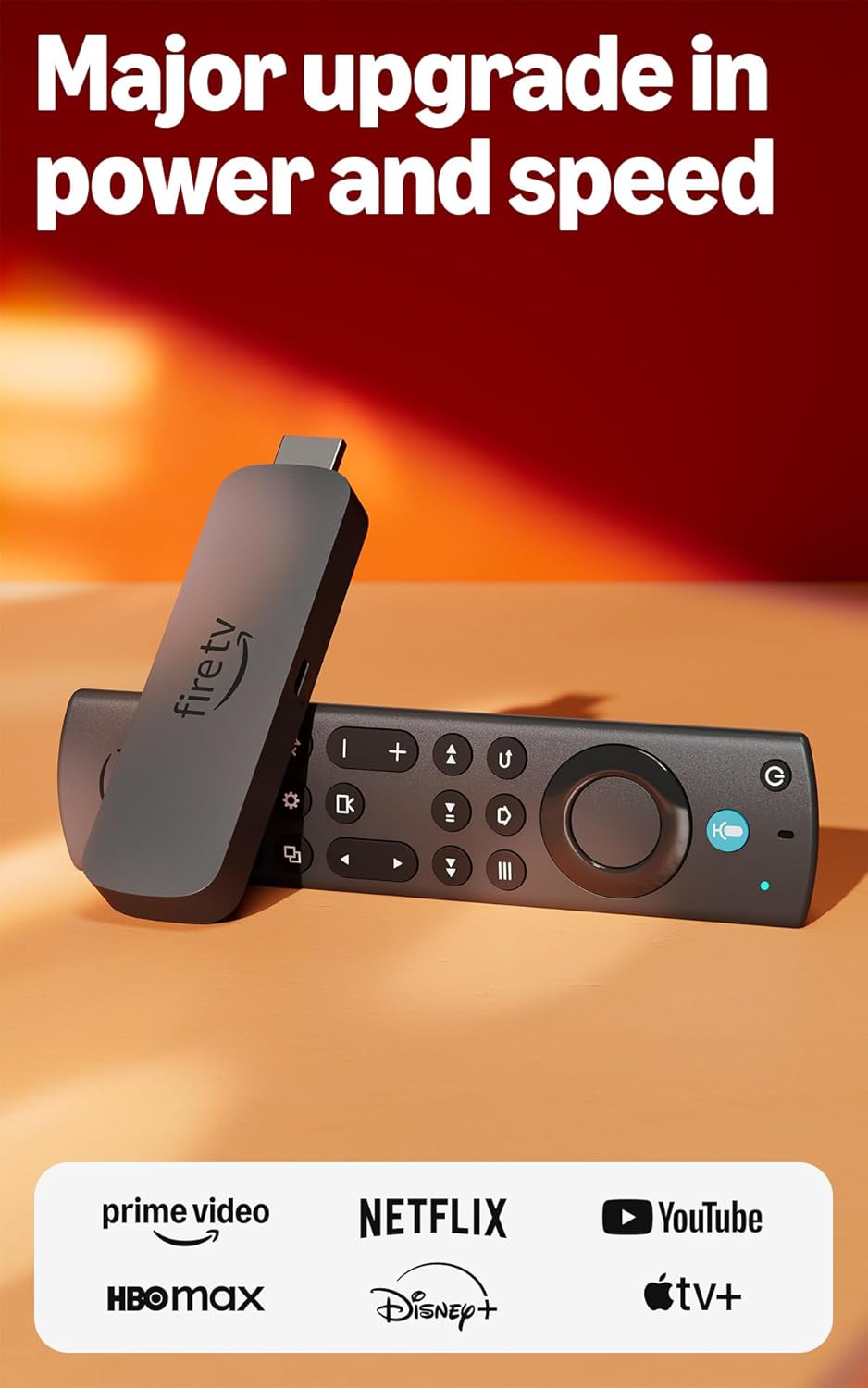
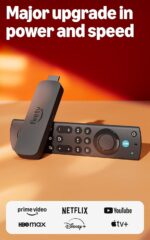
- Elevate your entertainment experience with a powerful processor for lightning-fast app starts and fluid navigation.
- Play Xbox games, no console required – Stream Call of Duty: Black Ops 7, Hogwarts Legacy, Outer Worlds 2, Ninja Gaiden 4, and hundreds of games on your Fire TV Stick 4K Select with Xbox Game Pass via cloud gaming. Xbox Game Pass subscription and compatible controller required. Each sold separately.
- Amazon Fire TV Stick 4k Max 2nd Gen streaming device
- Smarter searching starts here with Alexa – Find movies by actor, plot, and even iconic quotes. Try saying, “Alexa show me action movies with car chases.”
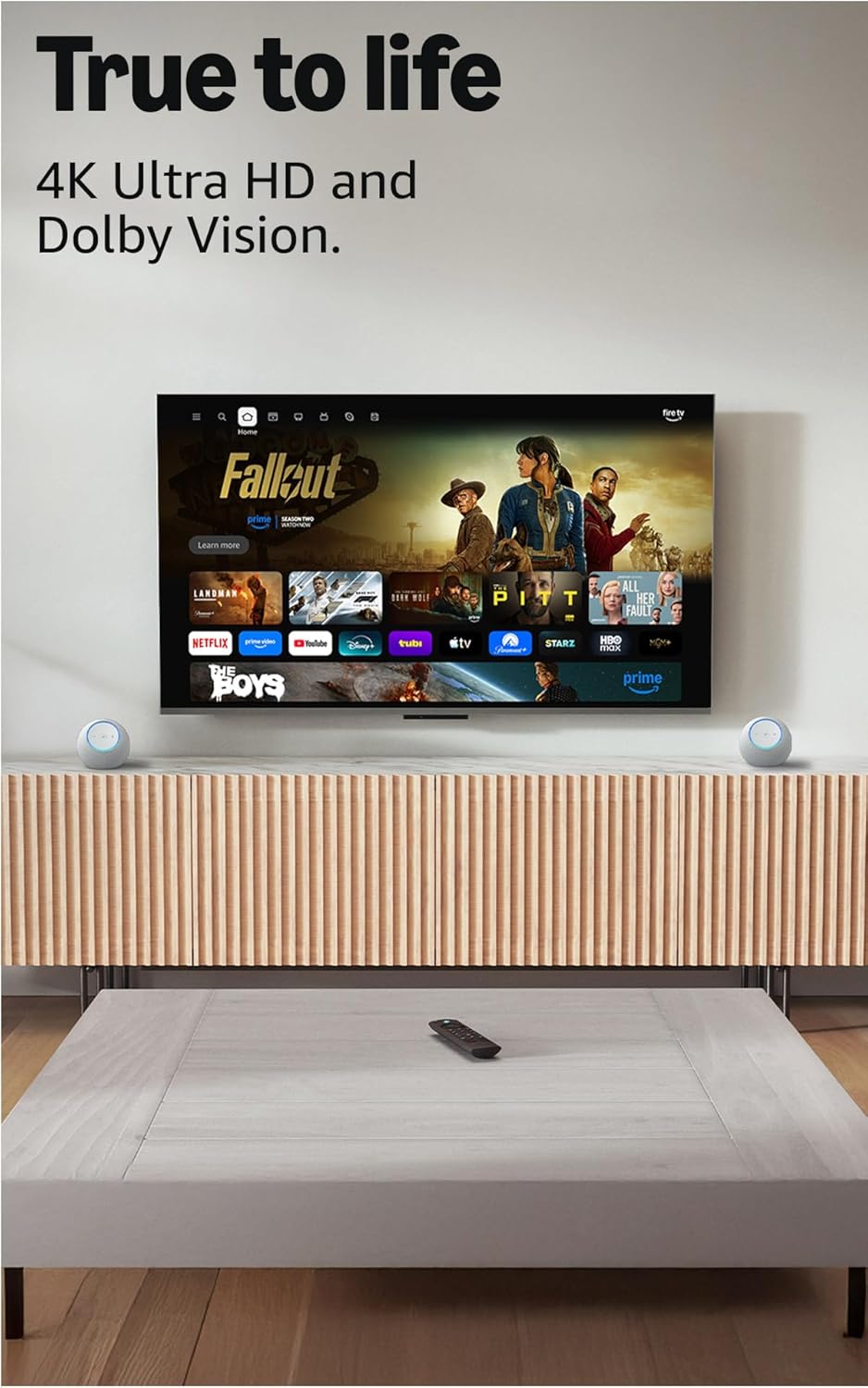
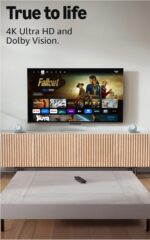
- Enjoy the show in 4K Ultra HD, with support for Dolby Vision, HDR10+, and immersive Dolby Atmos audio.
- The first-ever streaming stick with Fire TV Ambient Experience lets you display over 2,000 pieces of museum-quality art and photography.
- Fire TV Stick 4K Max has 16GB of storage—double that of Fire TV Stick 4K Plus and our other streaming sticks, for even more apps, games and downloads.
- Stream more than 1.8 million movies and TV episodes. Watch favorites from Netflix, Prime Video, Disney+, HBO Max, and more, plus listen to millions of songs. Subscription fees may apply

Our most powerful 4K streaming stick
Level up your 4K Ultra HD entertainment with a powerful 2.0 GHz quad-core processor for lightning-fast app starts, next-gen Wi-Fi 6E support for smoother streaming, and double the storage for even more downloads. Choose from hundreds of thousands of and TV episodes and control it all with the press of a button. Plus, Fire TV Ambient Experience brings atmosphere to any room.

Wi-Fi 6E Support

Fire TV Ambient Experience

Dolby Vision.Atmos

HDR10+

16GB Storage

Press and Ask Alexa

Smart Home

Cloud Gaming
Unlock a complete 4K Ultra HD experience
From playoffs to premieres, experience it all like you’re there with support for cinematic 4K Ultra HD. Experience vivid color and brightness with support for Dolby Vision and HDR 10+, and immersive sound with Dolby Atmos. Add compatible Echo speakers for a complete Alexa Home Theater.

Smoother 4K streaming in any home
Our first-ever streaming stick with Wi-Fi 6E support for ultra-smooth 4K streaming—even in homes with multiple devices connected to the internet. To use Wi-Fi 6E, you’ll need a compatible router like eero Pro 6E. Fire TV Stick 4K Max works with earlier wifi routers, too.

Wi-Fi 6E support
Improves upon the connectivity of Wi-Fi 6 for smoother streaming across multiple devices in your household.
Faster speeds
6 GHz spectrum delivers faster speeds and lower latency for smoother streaming and super-responsive gaming.
Tri-band
Supports 2.4 GHz and 5 GHz bands, and the 6 GHz band making it easier to access and enjoy 4K content.
Fire TV Ambient Experience
Stunning artwork
Choose from over 2,000 works of fine art, or use AI Art to design your own masterpiece. You can ask Alexa to generate an original image, then decide on a unique painting style. You’re only limited by your imagination.
Instant ambiance
Turn your TV into a display for beautiful art by tapping the Alexa button on your remote and selecting Ambient Experience from the Shortcuts Panel. Or, just press and ask Alexa to ‘Launch Ambient Experience’.
From smart home control to smart living
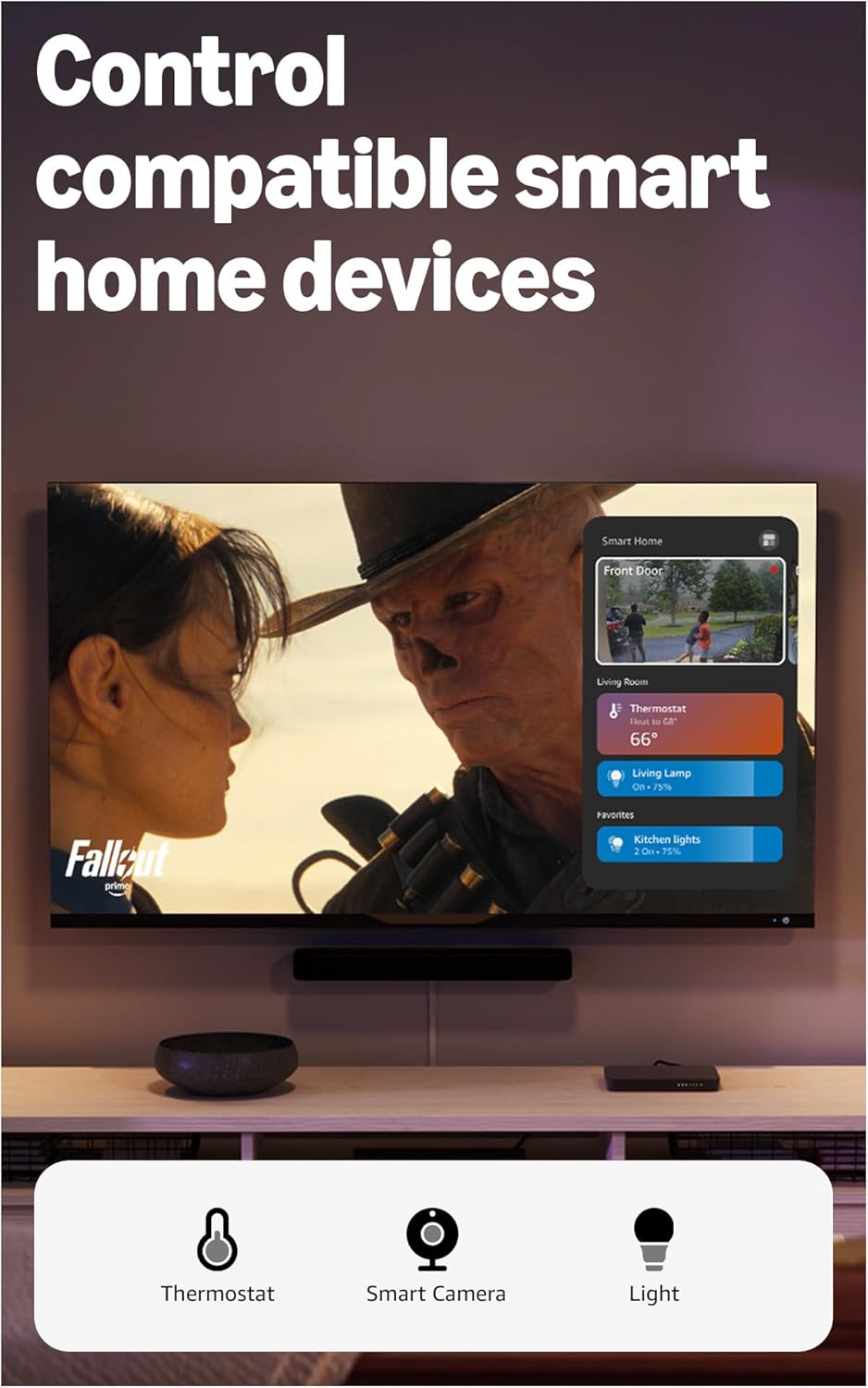
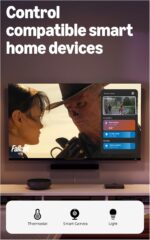
Control compatible smart home devices right from your TV. You can press and ask Alexa to do things like show Live View Picture-in-Picture camera feeds without interrupting your show, check the weather, order a pizza, and stream music. And Fire TV is always getting smarter with new Alexa Skills and voice functionality. Learn more about compatible smart home devices.
“Alexa, show my front door camera.”

Light

Lock

Smart Camera

Sound Bar

Smart Plug

Thermostat

The most storage in a Fire TV Stick
Fire TV Stick 4K Max has 16GB of storage—double the 8GB of storage in Fire TV Stick 4K Plus,and our other streaming sticks. That means you can download more streaming apps, more games, and more content.
Hundreds of thousands of movies and TV episodes
Enjoy favorites from Netflix, Prime Video, Disney+, HBO Max, Apple TV+, Peacock, STARZ, Paramount+, and others. Stream live TV, news, and sports, and even watch for free with Pluto TV, Prime Video, YouTube, and more. Plus, play millions of songs through services like Amazon Music and Spotify. Subscription fees may apply.


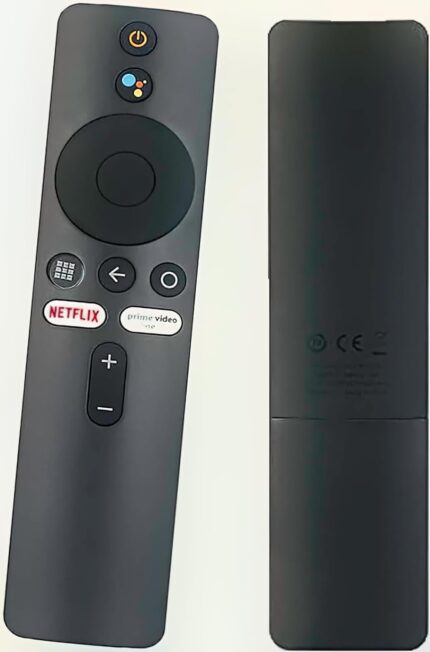
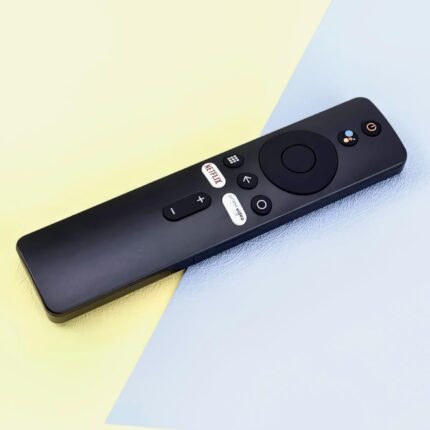
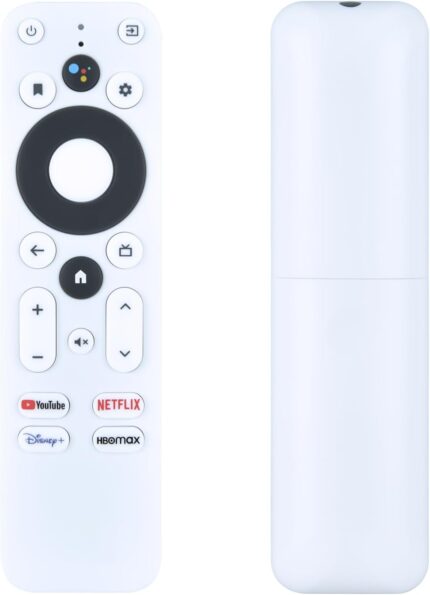
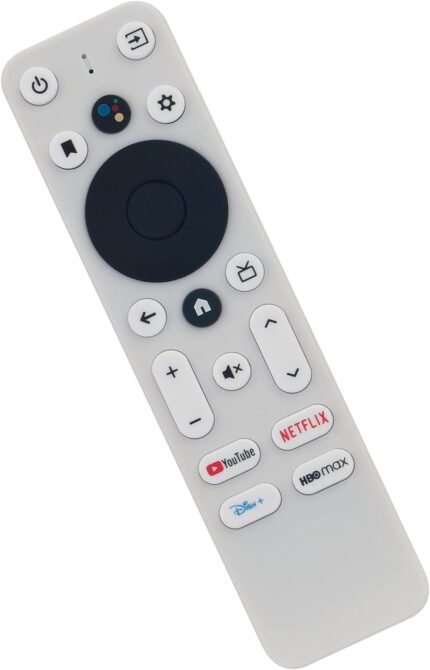
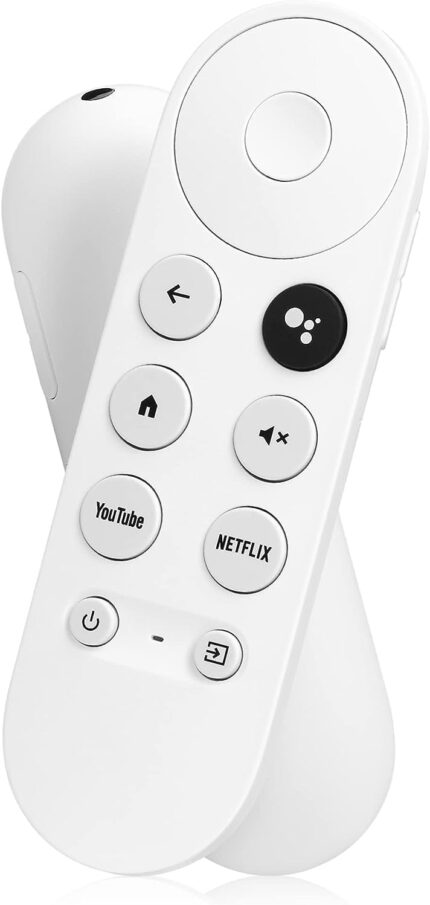
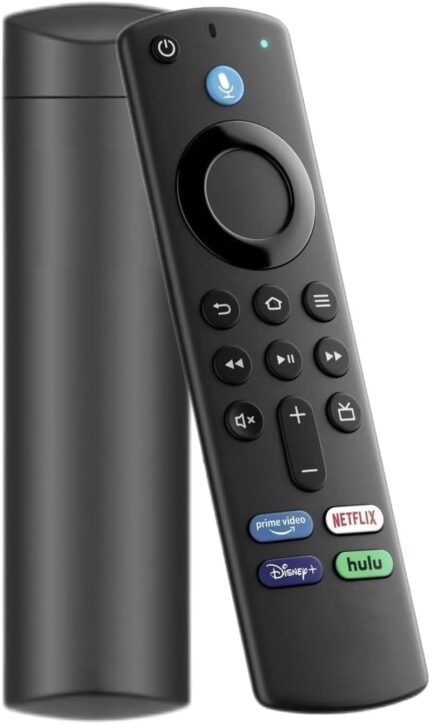
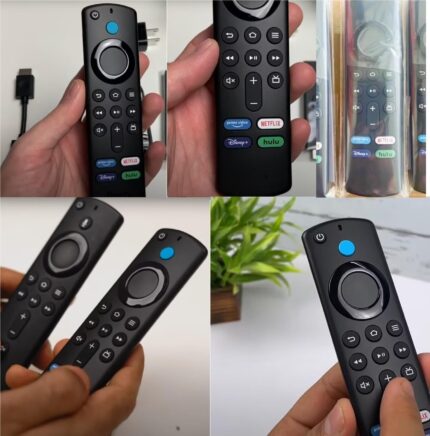
Alexa Voice Remote Enhanced
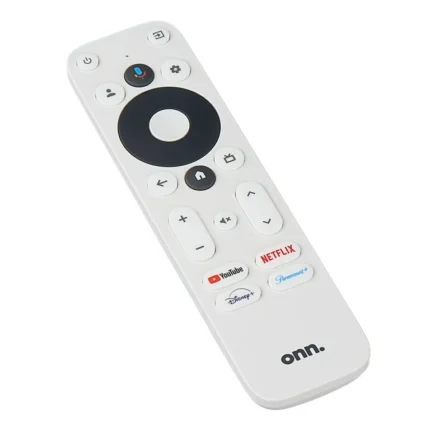
Control your compatible TV, soundbar, and receiver with dedicated power, volume, and mute buttons. You can also surf live TV with dedicated channel buttons and get to your favorite shows and movies faster with preset app shortcuts (app buttons may vary). It’s expansive control and easy navigation without juggling multiple remotes.
Next level gaming. No console required.
No matter what kind of gaming you’re into, Fire TV has you covered. Play games like you stream movies with Amazon Luna or with Xbox Game Pass. With Amazon Luna, Prime members can play 25+ party games using their phones as controllers. They also have access to a rotating library of high quality games such as Hogwarts Legacy or Indiana Jones and the Great Circle at no additional cost.
With the Xbox app you can play Fortnite for free, or stream hundreds of high-quality Xbox games directly onto your eligible Amazon Fire TV device with Xbox Game Pass. Play new games on day one, plus dive into legendary franchises from Fallout to Halo, and everything in between. Just grab your favorite, compatible controller to get started.

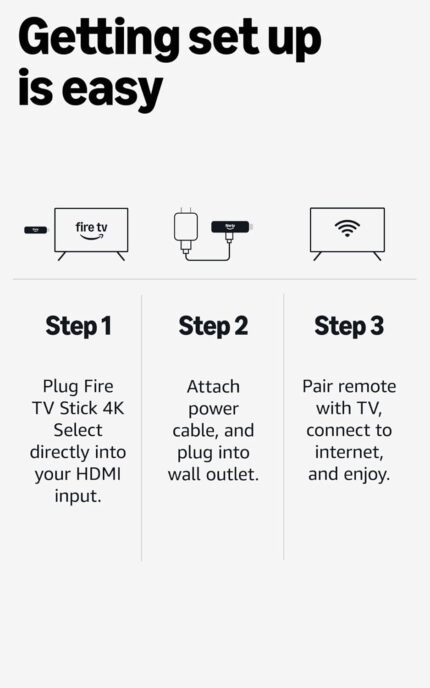
Simple to set up and use
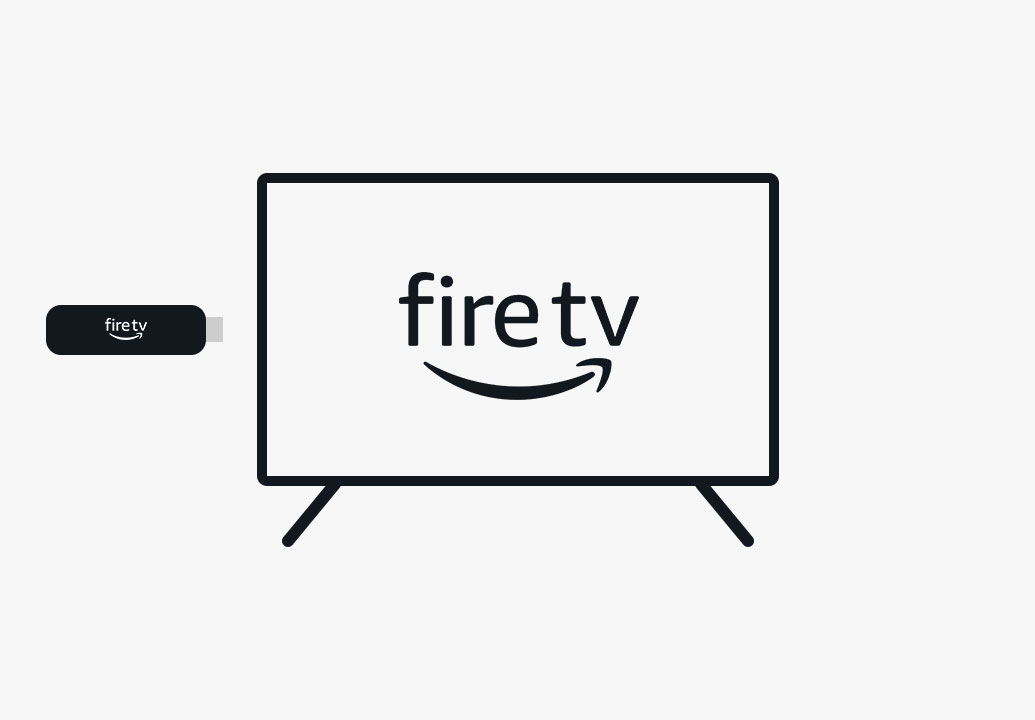
Step 1
Plug Fire TV Stick 4K Max directly into your HDMI input.

Step 2
Attach power cable, and plug into wall outlet.

Step 3
Pair remote with TV, connect to internet, and enjoy.
Brand
AMAZON



Reviews
There are no reviews yet.