



Description


Buy Maxtor High Performance CTG10 Thermal Paste at the Best Price in BD &ndash Binary Logic
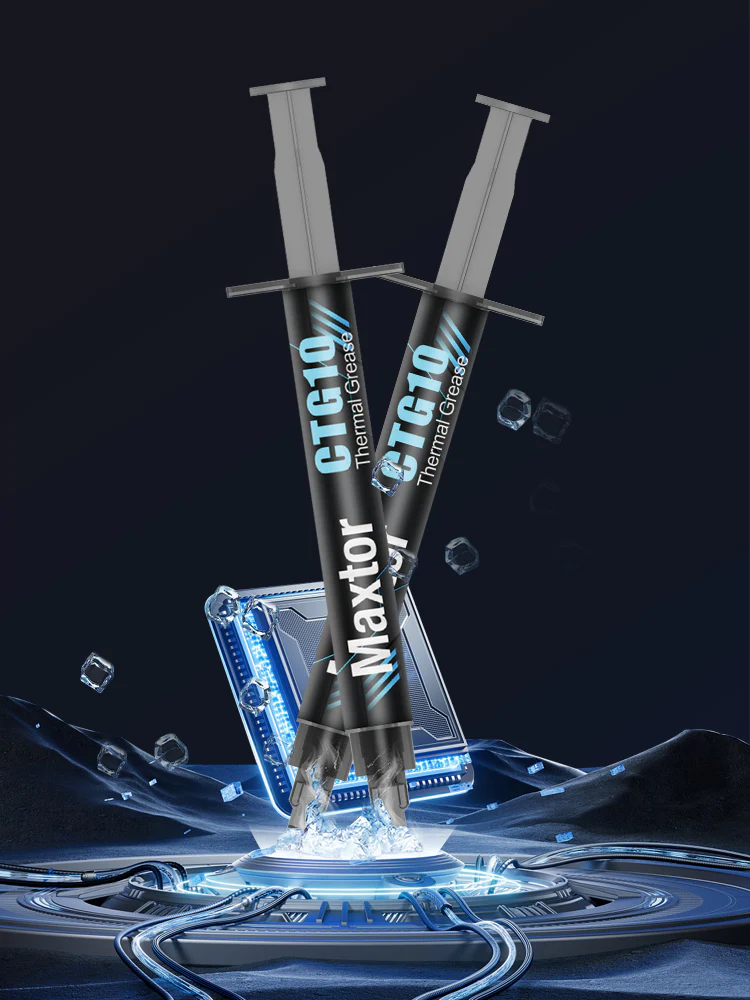
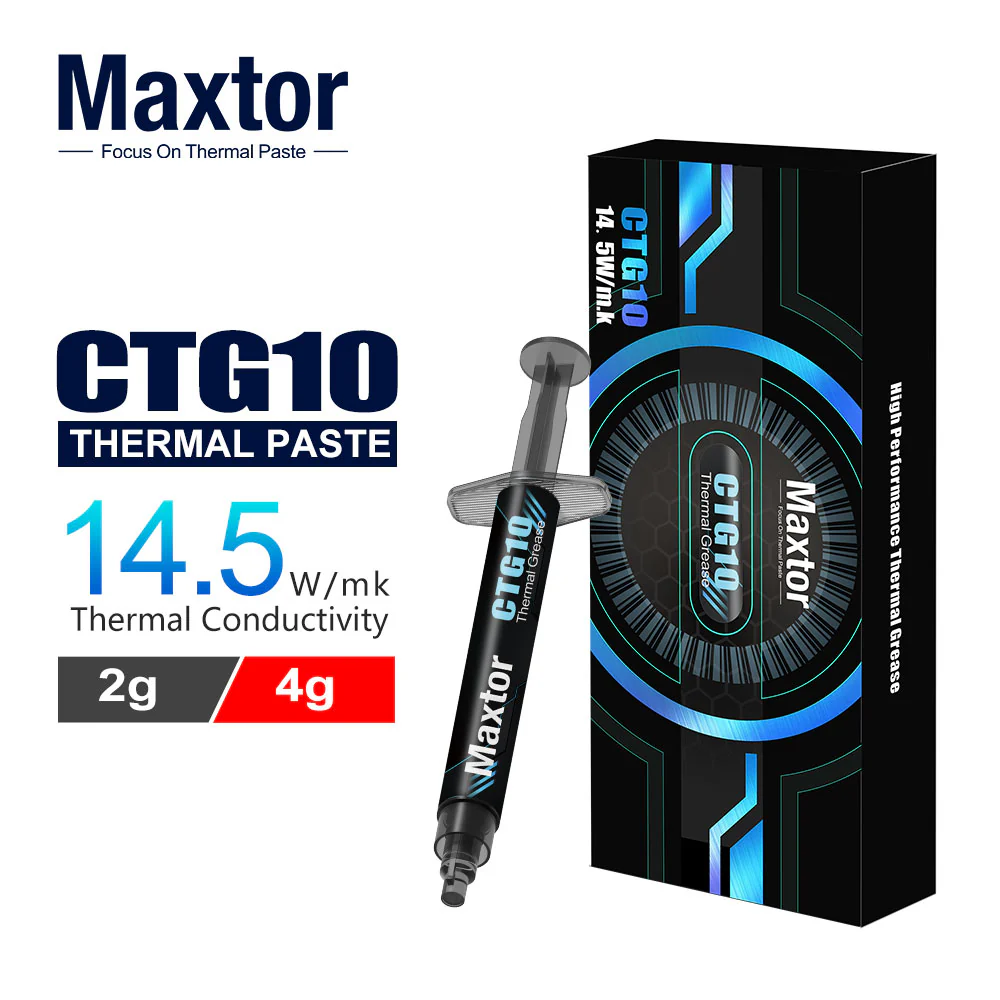
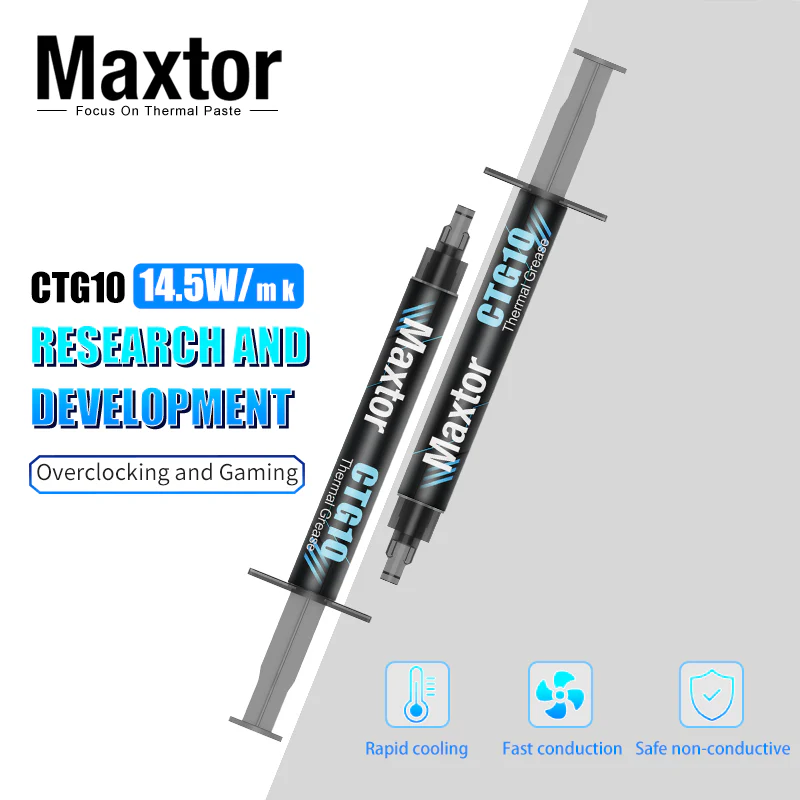
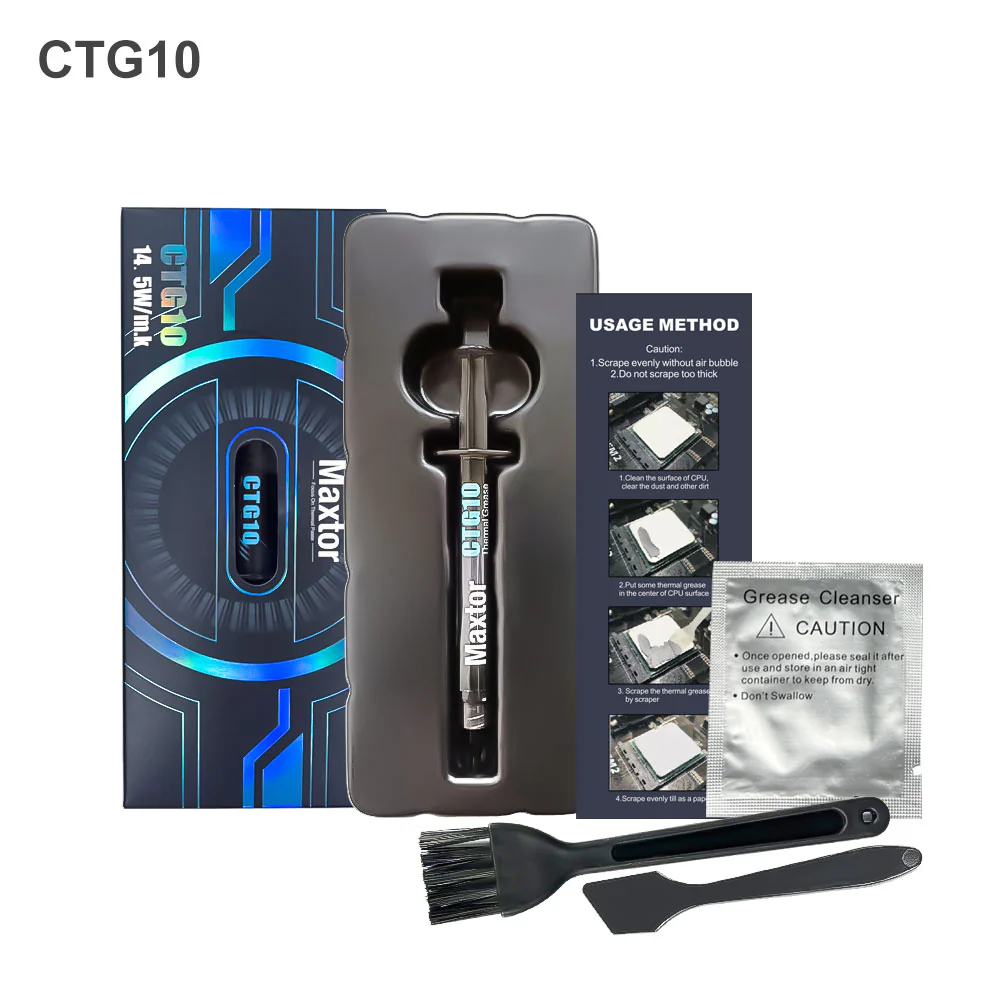
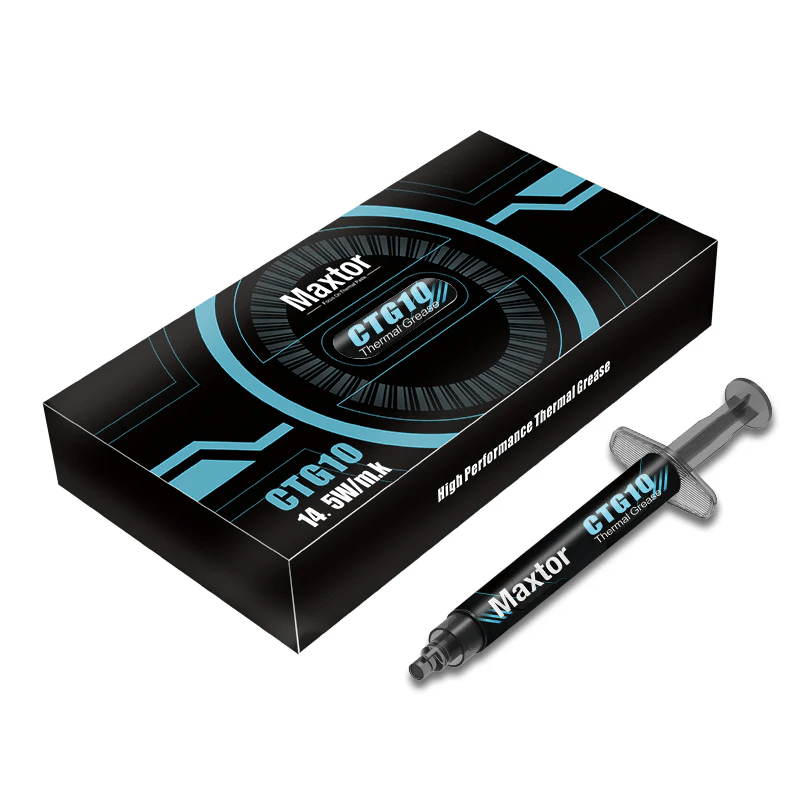
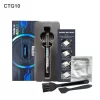
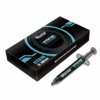
Upgrade your PC&rsquos thermal performance with the Maxtor High Performance CTG10 Thermal Paste &ndash now available at the best price in Bangladesh exclusively from Binary Logic. Engineered for overclocking enthusiasts and high-performance builds, this thermal compound ensures superior heat dissipation and long-term stability.
Key Features of Maxtor CTG10 Thermal Paste:
- Exceptional Thermal Conductivity:
Boasting 14.5W/m-k, CTG10 delivers powerful heat transfer between CPU/GPU and heatsinks, making it ideal for high-load systems and gaming rigs. - Overclocking Ready:
Specially designed for maximum thermal performance under stress, this paste helps maintain optimal temperatures during heavy workloads. - No Curing Required:
Save time and get instant results&mdashno curing or settling time needed after application. - Safe & Durable:
- Non-conductive to prevent short circuits
- Long-lasting formula for extended use without degradation
- Compatible with aluminum components (Caution: not suitable for Conductonaut-type pastes)
Why Buy from Gamers Arena custom Pc?
- Authentic Maxtor products
- Competitive pricing in Bangladesh
- Fast nationwide delivery
- Trusted source for PC components and accessories
Get your hands on the Maxtor CTG10 High Performance Thermal Paste and experience cooler, faster, and more stable PC performance. Perfect for gamers, builders, and professionals in Bangladesh.
Specification
| Model | CTG10 |
| Thermal Conductivity | 14.5W/mk |
| Viscosity | 95000mPa.s |
| Color | Grey |
| Density | 2.8g/ml |
| Operating temperature | -50℃~+280℃ |
| Ideal Applications | CPU/GPU/LED/MOS |
| Certificate | Reach/Rohs/MSDS |
| Limit Temperature | -50℃~+290℃ |
How to Apply Maxtor Thermal Paste – Step by Step
- Read instructions before starting. Every brand of thermal paste and CPU cooler is a little different.
- Apply thermal paste onto the center of the CPU’s IHS. You only need to apply a small amount — roughly the size of a grain of rice or a pea — onto the center of the integrated heat spreader.
- Install CPU cooler. Use light, top-down pressure to place the base-plate or waterblock of your cooler onto the CPU, and hold that pressure while attaching the cooler to the mounting mechanism.
- Double-check your work. There shouldn’t be any thermal paste spilling over the edges of the CPU, or anywhere on the motherboard. If there is, it means you used too much thermal paste, and should clean it off with alcohol and start the process again.


Reviews
There are no reviews yet.